How to access eScout quarantined mail and settings for my business
To access your eScout mail quarantine:
- Login to your Webmail at http://webmail.skybest.com/
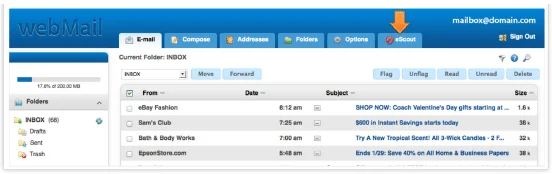
- Click on the eScout tab (on mobile devices, click here).
- Once there, you will see options to view and manage your spam quarantine as well as change your mail filtering settings.
Not quite right?
Check out these other popular search topics:



