Changing advanced eScout options
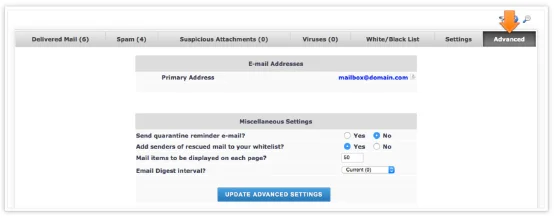
Business owners can adjust eScout advanced options to be reminded of quarantined email, or to receive a periodical digest of eScout’s filtering activity.
To make changes to these settings, select the appropriate buttons and be sure to select UPDATE ADVANCED SETTINGS before exiting.
Not quite right?
Check out these other popular search topics:



